
One-time purchase • Runs offline • Windows
Automatically turn long videos into short-form clips — and approve every one.
Polley AutoClip is a desktop tool that analyzes long videos and automatically cuts them into short, share-ready clips for platforms like YouTube Shorts, TikTok, and Reels.
Instead of scrubbing timelines or manually cutting highlights, you drop in a video, review the ranked candidates, trim and reorder them, and export only the moments you approve — in original, 9:16 center-crop, or 9:16 blurred-background layouts.
This is a one-time purchase that runs entirely offline with your existing video files.
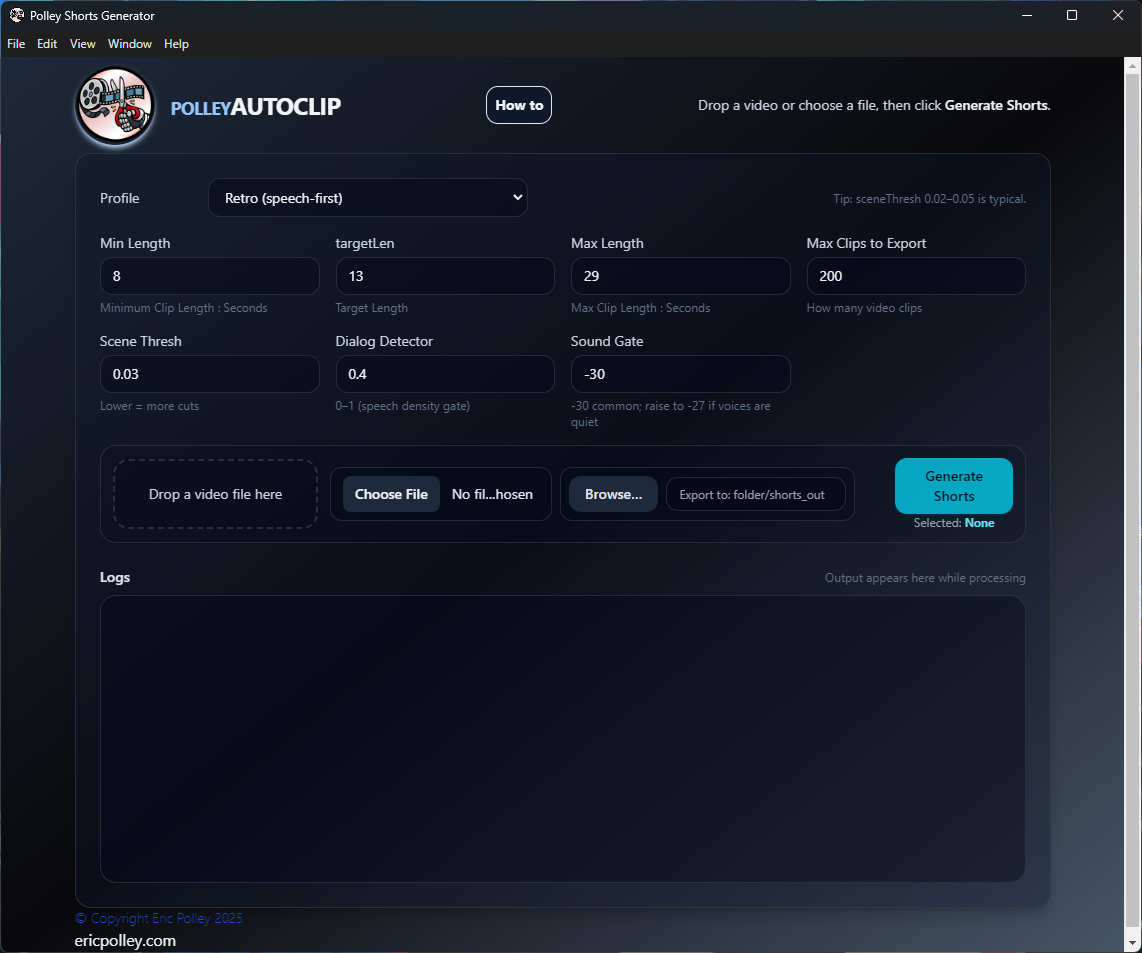
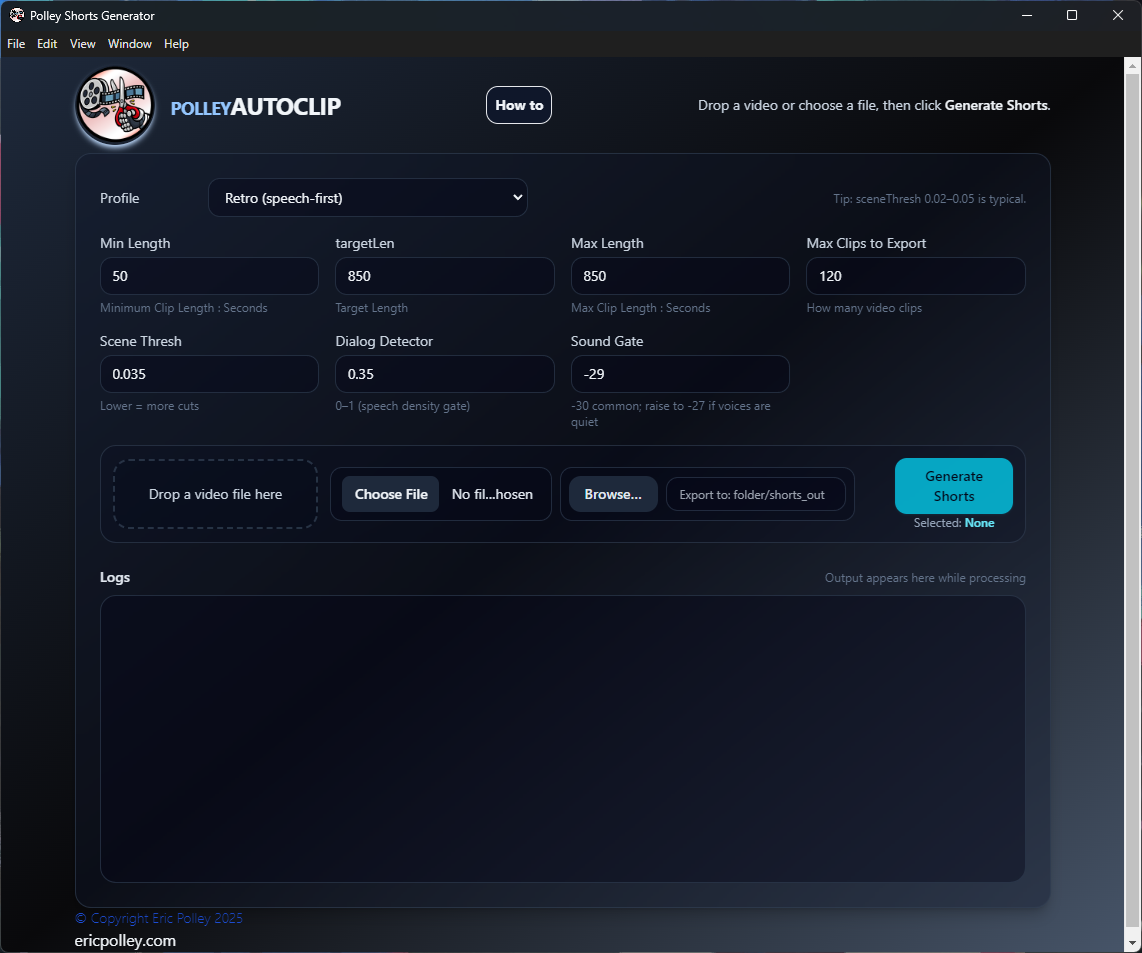
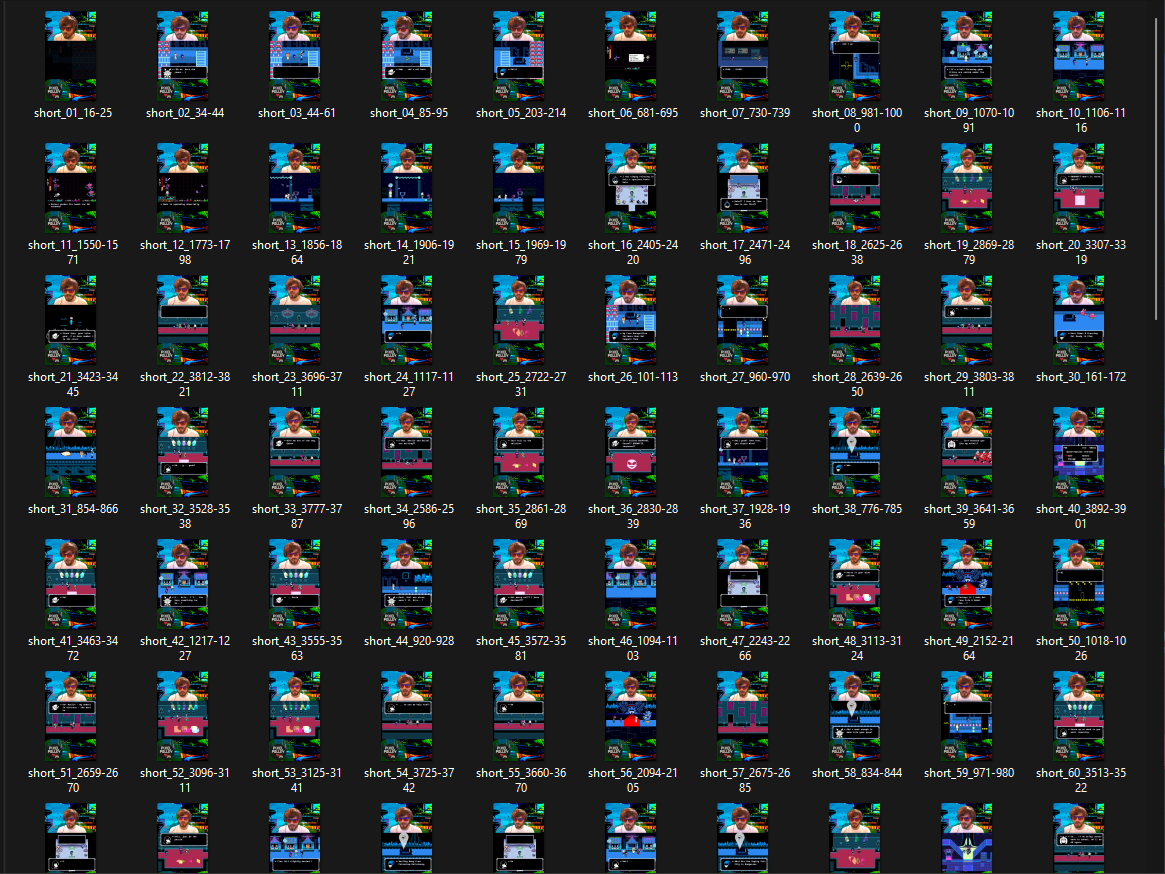
Tip: add an “output folder full of clips” screenshot/GIF here if you have one — it converts extremely well.
Demo video
Real footage of the app in action.
One-time purchase. Runs offline. Works with your existing video files.
Buy on itch.ioWhat it does
- • Finds highlight candidates in long videos automatically
-
• Detects natural moments using:
- ◦ Scene changes
- ◦ Audio activity and loudness events
- ◦ Silence and speech pauses
- ◦ Black frames and frozen/static regions (excluded)
- • Prefers clip boundaries at pauses and scene edges
- • Reviews ranked candidates before anything is exported
- • Exports approved clips in one pass with a JSON manifest
Best for
What this is not
- • Not a cloud service
- • Not a subscription
- • Not AI SaaS with upload limits
- • Not a full video editor — no multi-track timeline
This is a local desktop utility built for speed and control.
One engine, reviewed by you
AutoClip has a single clipping engine that tunes itself to the source: dialogue-style videos are cut at natural speech pauses, while montage-style videos follow scene changes and audio events. Nothing is exported until you approve it.
Ranked review, not a black box
- • Every candidate is ranked with a score and reason
- • Watch your video the moment you pick it — no waiting
- • A clip timeline shows every candidate over the waveform, with scene markers
- • Preview each clip, then trim by typing or dragging either edge of its block
- • Reorder, select, or reject — selected order is output order
- • Analysis is cached; edits never rescan the video
Three output layouts
- • Original aspect ratio, untouched
- • 9:16 center crop with adjustable position and zoom
- • 9:16 full video over a blurred background
- • Vertical exports are exactly 1080×1920, upload-ready
Adjustable controls
Defaults are tuned to work well out of the box, but power users can dial things in.
- • Minimum, target, and maximum clip length
- • Maximum number of candidates to review
- • Scene detection sensitivity
- • Audio activity gate and noise threshold
- • Saveable presets for repeat settings
- • Output folder, filename prefix, and collision policy
How it works
- 1. Drop a video file (or choose one) — it plays right away
- 2. Click Analyze — the engine finds and ranks candidates
- 3. Preview on the clip timeline, then trim, reorder, and pick the keepers
- 4. Choose an output layout (original or 9:16)
- 5. Export the approved clips with a JSON manifest
FAQ
These answers are also intentionally keyword-friendly for search engines (without being spammy).
How do I turn long videos into YouTube Shorts automatically?
Use Polley AutoClip: drop in a long video, click Analyze, review the ranked candidates, and export the ones you approve. You can trim and reorder before exporting, and vertical layouts come out at exactly 1080×1920.
Does Polley AutoClip upload my videos?
No. It’s a local desktop utility designed to run offline. Your video files stay on your computer.
Is this a subscription or cloud service?
No. It’s a one-time purchase and not a cloud service or subscription.
Can I control clip length and how many clips it exports?
Yes. You can set minimum/target/maximum clip length, the maximum number of ranked candidates, scene detection sensitivity, audio activity and silence thresholds, and save everything as a reusable preset.
Can I control clip length and how many clips it exports?
Yes. You can set minimum/target/maximum clip length, the maximum number of ranked candidates, scene detection sensitivity, audio activity and silence thresholds, and save all of it as a reusable preset.
What are the system requirements?
Windows desktop/laptop. No internet connection required after install.
Ready to generate clips in one click?
One-time purchase. You own the version you buy.