Playable synths
The right stick plays notes and controls volume. Shoulder buttons extend the note range; the left stick blends two instruments and bends pitch up or down an octave.
Gamepad synthesizer and music workstation
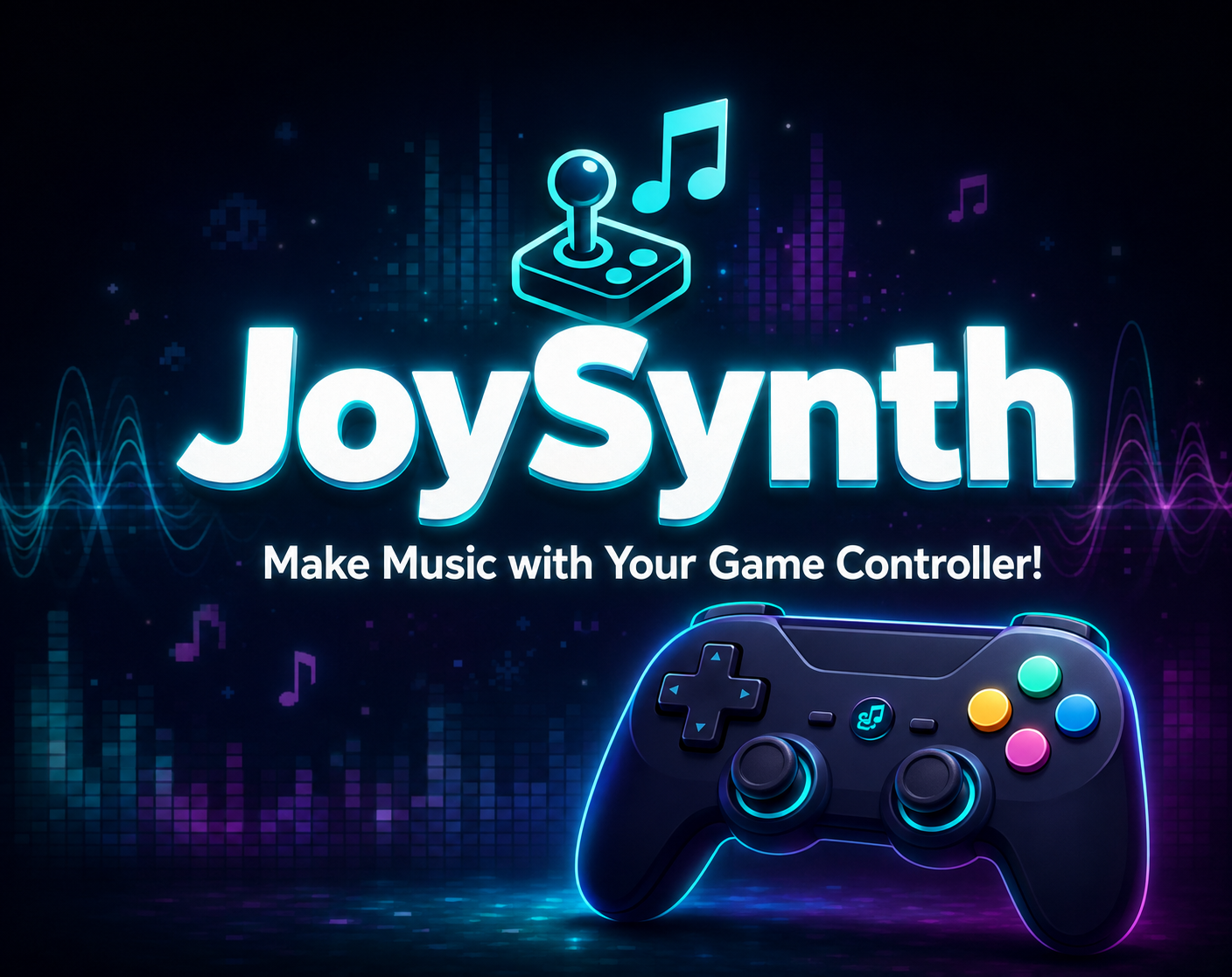
JoySynth puts synths, drums, looping, and a track studio in your hands. Connect a compatible USB or Bluetooth gamepad, or start with on-screen touch controls. Build a song on your Windows PC or Android phone or tablet.
Designed and developed by Eric Polley.
Development log
Follow the complete development playlist for feature experiments, controller design decisions, audio improvements, and the path to the finished release.
Open the playlist on YouTubeSee it in action
See the controller synthesizer, drum machine, live looper, microphone effects, and performance recorder working together.
For gamers and musicians
If analog sticks, triggers, shoulder buttons, and face buttons already feel natural in your hands, JoySynth gives those controls a musical purpose. The layout is built for immediate play while still providing deeper sound, looping, sampling, and recording options.
The right stick plays notes and controls volume. Shoulder buttons extend the note range; the left stick blends two instruments and bends pitch up or down an octave.
Play drums with a controller or build patterns in the drum sequencer. Import your own percussion and pitched instrument samples in the full version.
Record and overdub instrument parts, drums, vocals, and compatible live audio. Choose which sound sources go into your loops.
Record a microphone or compatible external audio input and shape it with effects. Balance sound sources with individual volume and loop controls.
Arrange, duplicate, and trim clips on a timeline. Mute or solo tracks, save projects, and export your music as WAV or MP3.
Choose two instruments independently, adjust the key and scale, and use a left- or right-handed layout. Optional MIDI controls operate the mixer on supported setups.
Choose the Windows EXE installer or Android APK on itch.io. Android may ask you to allow installation from your browser or file manager. The Windows demo installs alongside the full app; on Android, installing the full version as an update replaces the demo.
Use speakers or headphones and touch controls, or connect a compatible USB or Bluetooth controller. Microphones and audio interfaces are optional. Support depends on your device and operating system; USB on Android may need an OTG adapter.
You get 20 minutes of trial time in total across launches, with half the built-in presets and effects. Recordings and arrangements can be up to 30 seconds, with two recording layers and two rows per drum pattern.
Imports and loading saved projects are disabled, and exported audio has a repeating demo watermark. The full version removes these restrictions.
Get the demo or full version on itch.io ↗Game controller music FAQ
Quick answers for gamers and musicians looking for a gamepad synthesizer and controller-based music workflow.
Yes. Use the right stick for notes and volume, shoulder buttons for additional notes, and the left stick for instrument blending and pitch bends. Left-handed layouts are also available.
No. Play with a compatible USB or Bluetooth gamepad, or use on-screen touch controls. MIDI mixer control is optional on supported setups.
Play melodies, sequence drums, import samples, layer loops, and record vocals or compatible audio inputs. Arrange clips in the track studio and export WAV or MP3.
Use a compatible USB or Bluetooth gamepad on Windows or Android, or play with touch controls. Device support varies; Android USB connections may need an OTG adapter.
Try the free Windows EXE or Android APK demo from itch.io, then unlock the full version when you are ready.
Demo and full versionExplore a playing approach that fits your next idea.
Learn the controller movements and try a first-session musical exercise.
Plan a drum-to-melody session and decide which overdubs to keep.
Choose an audio path for personal samples, percussion, or live vocals.